

URL meaning often comes up when someone asks where a website lives. A URL is a Uniform Resource Locator, which works as a website address that tells a browser exactly where to go. You see it when you open a site, share a page in email, or paste an address into the bar at the top of a browser.
In this article, we explain URL meaning first, then how people use it in daily communication. We look at sharing a site, opening content, and checking sources, followed by short examples that help you recognize and use a URL correctly.
What Does URL Mean?
A URL functions as the specific web address for a unique resource on the internet. It tells a web browser exactly where to go to find a webpage, image, or file hosted on a server. Just like a house has a street address to locate it, every piece of content online has this unique text string to identify it.
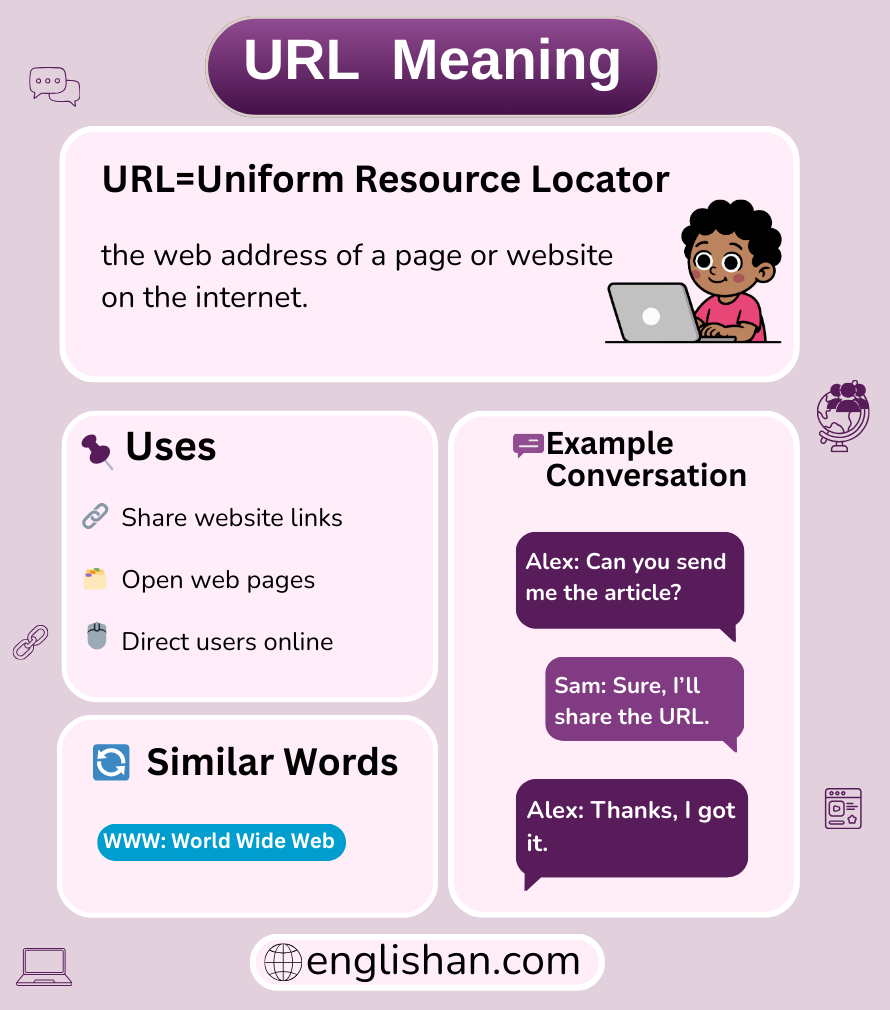
What Does URL Stand For?
This three-letter acronym stands strictly for Uniform Resource Locator. It grammatically functions as a technical noun describing the standardized system for locating files on the World Wide Web. While the full name is rarely used in casual conversation, the letters always represent this specific locating protocol.
Parts Of A URL
A standard web address consists of several distinct components that work together to guide a browser to the right destination. These parts appear in a specific order, starting with the protocol and ending with specific page details. Understanding these segments helps users identify secure sites and navigate complex website structures.
Scheme
The scheme, also known as the protocol, appears at the very beginning of the address before the colon. It tells the browser how to access the resource, usually seeing “http” or the secure “https” version. This prefix serves as the primary instruction set for the data transfer.
Domain Name
The domain name is the main address or identity of the website, such as “https://www.google.com/search?q=google.com” or “wikipedia.org.” It follows the scheme and indicates which specific server hosts the information. This text is the human-readable label that replaces the complex numerical IP address of the server.
Path
The path directs the browser to a specific page or file folder within the website’s main server. It appears after the domain name, separated by forward slashes, acting like a file directory on a computer. For example, in a news article address, the path would point to the exact story rather than just the homepage.
Query Parameters
Query parameters send extra data to the server to sort or filter content on a page. They start with a question mark and include variables, often seen in search results or when tracking where a visitor came from. These strings tell the website exactly how to display the requested resource.
Fragment
A fragment acts as an anchor tag that jumps the user to a specific section within a single webpage. It begins with a hash symbol (#) and is often used in long articles or FAQs to link directly to a subheading. The browser uses this to scroll down automatically once the page loads.
Username And Password
In rare cases, a URL can include login credentials placed before the domain name to authenticate a user automatically. This practice is largely obsolete today due to significant security risks, as it exposes the password in plain text. Modern websites use cookies and secure tokens instead of embedding these details in the address.
What Is A Full URL?
A full URL, also called an absolute URL, contains every piece of information required to locate a file, including the scheme and domain. It does not rely on any previous context, meaning it works independently anywhere it is pasted. Linking to an external website always requires using this complete format.
How URL Is Used In Messages And Social Posts
People copy and paste these addresses to share content quickly with friends or followers. In text messages, they serve as a direct portal to show someone a funny video or an important news article without them having to search for it. Social media platforms often automatically convert this text into a clickable preview card with an image.
Example Conversations Using URL
Jason: Did you see the video I told you about?
Mike: No, I couldn’t find it on the channel.
Jason: Here is the URL, just click it.
Sarah: This link looks kind of suspicious.
Emily: Check the URL to see if it starts with https.
Sarah: Good call, it looks totally different from the real bank site.
David: I need to cite this article for my paper.
Jessica: Make sure you copy the full URL from the browser bar.
David: Got it, I will paste it into the bibliography.
Absolute URL Vs Relative URL
An absolute URL provides the complete path to a resource, including the protocol and domain name, making it functional from anywhere. A relative URL provides only the partial path starting from the current page’s location, often used by developers for internal site links. While absolute links are necessary for sharing externally, relative links keep internal website coding cleaner.
URL Vs URI
A URI (Uniform Resource Identifier) is the broad parent category, while a URL is a specific type of identifier that provides the location. Every URL is technically a URI, but not every URI is a URL, as some identifiers name a resource without telling you where to find it. The URL specifically focuses on the “locator” aspect of the address.
URL Shorteners
URL shorteners are tools that condense a long, complex address into a compact link that redirects to the original page. Services like Bitly are popular on social media where character counts are limited or where users want to track click statistics. These tools make sharing aesthetic and manageable.
Semantic URLs
Semantic URLs are designed to be easy to read and understand by humans, using words instead of random numbers. Instead of a string of code, the address might read “/products/red-shoes,” which describes the content clearly. This structure helps search engines understand the page and improves user trust.
Origin Of URL
The concept and standard were defined by Tim Berners-Lee in 1994 as a fundamental building block of the World Wide Web. It was created to solve the problem of locating and retrieving documents across different computer networks universally. This invention allowed the internet to move from isolated files to an interconnected web of links.
Common Confusions
A frequent mistake is confusing the URL with the browser bar or search bar itself. Users often type search terms into the address bar expecting a Google search, or type a web address into a search engine box. Another error is assuming that a domain name (like https://www.google.com/search?q=google.com) is the same thing as the full URL, which requires the “https://” prefix.
URL Vs Link
A URL is the actual text address that points to a file, while a link is the clickable element on the screen. The link acts as the vehicle or button, and the URL is the destination instruction embedded inside it. You click a link, but the browser reads the URL.
URL Vs Domain
The domain is simply the house name or main identity of the website, while the URL is the complete set of directions to a specific room. The domain is just one component of the full address string. You can have thousands of unique URLs all living under a single domain name.
Key Takeaway
We define this acronym as the “Uniform Resource Locator,” serving as the unique digital address for content on the internet. It consists of essential parts like the scheme, domain, and path that guide a browser to the correct destination. While often confused with simple links or domain names, the URL is the specific text string that makes the World Wide Web navigable. Remember to check the URL for “https” to ensure you are visiting a secure site.
FAQs
It typically starts with http or https followed by a domain name.
You might have a typo or the page may have moved.
No, it is the address of the website, not the site itself.
No, only those starting with https use encryption.
Website owners can change them, but users cannot edit active web addresses.
You May Also Like